






AI Integrator
Agents
Each Agent keeps its own instructions, connectors, and routines, and one conversation with you on the web, iPhone, Mac, and Windows.
The same Agent on every device
Agents are saved to your account. Answer an Agent on your iPhone, and the reply is in the same conversation on your computer.
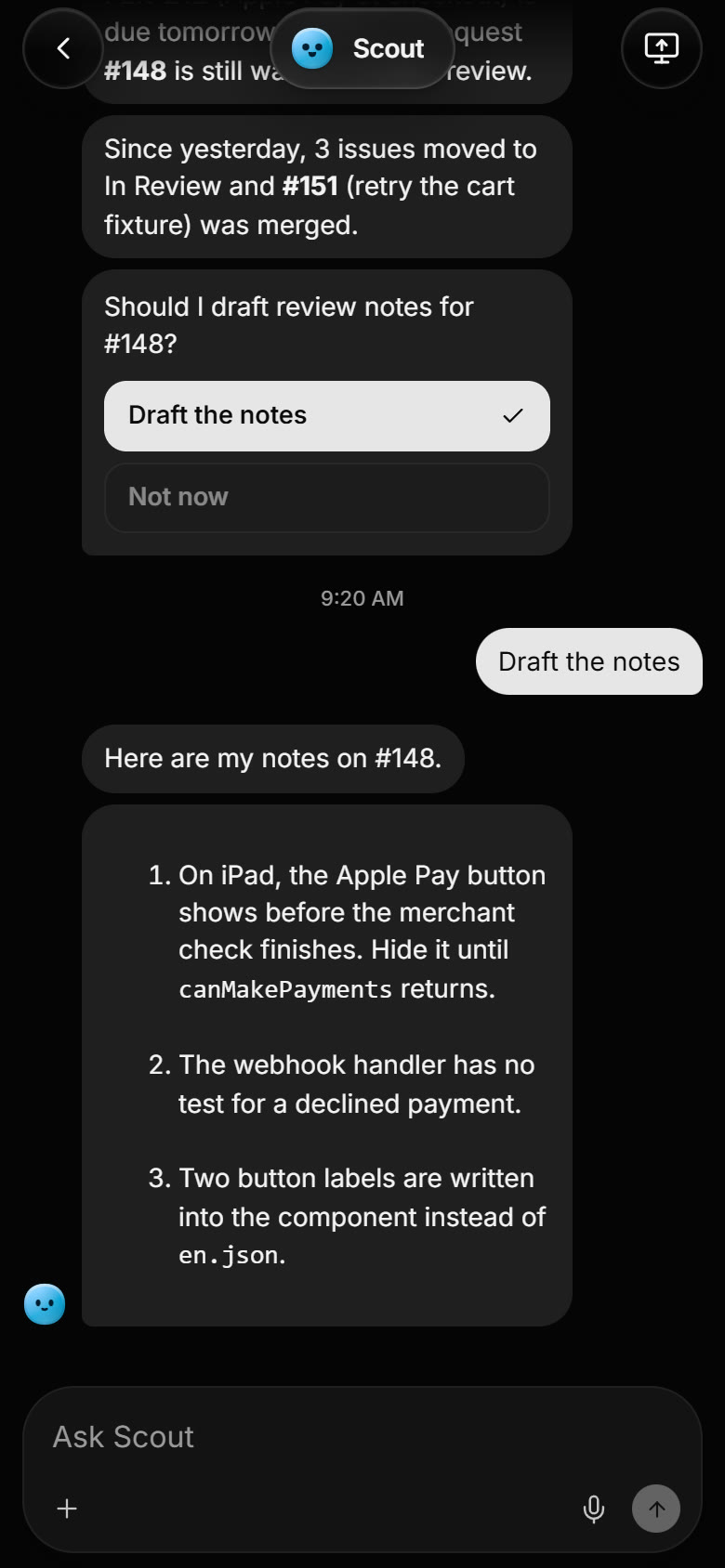
iPhone Tap an answer under an Agent's question, or type your own. The Agent carries on in the same conversation.
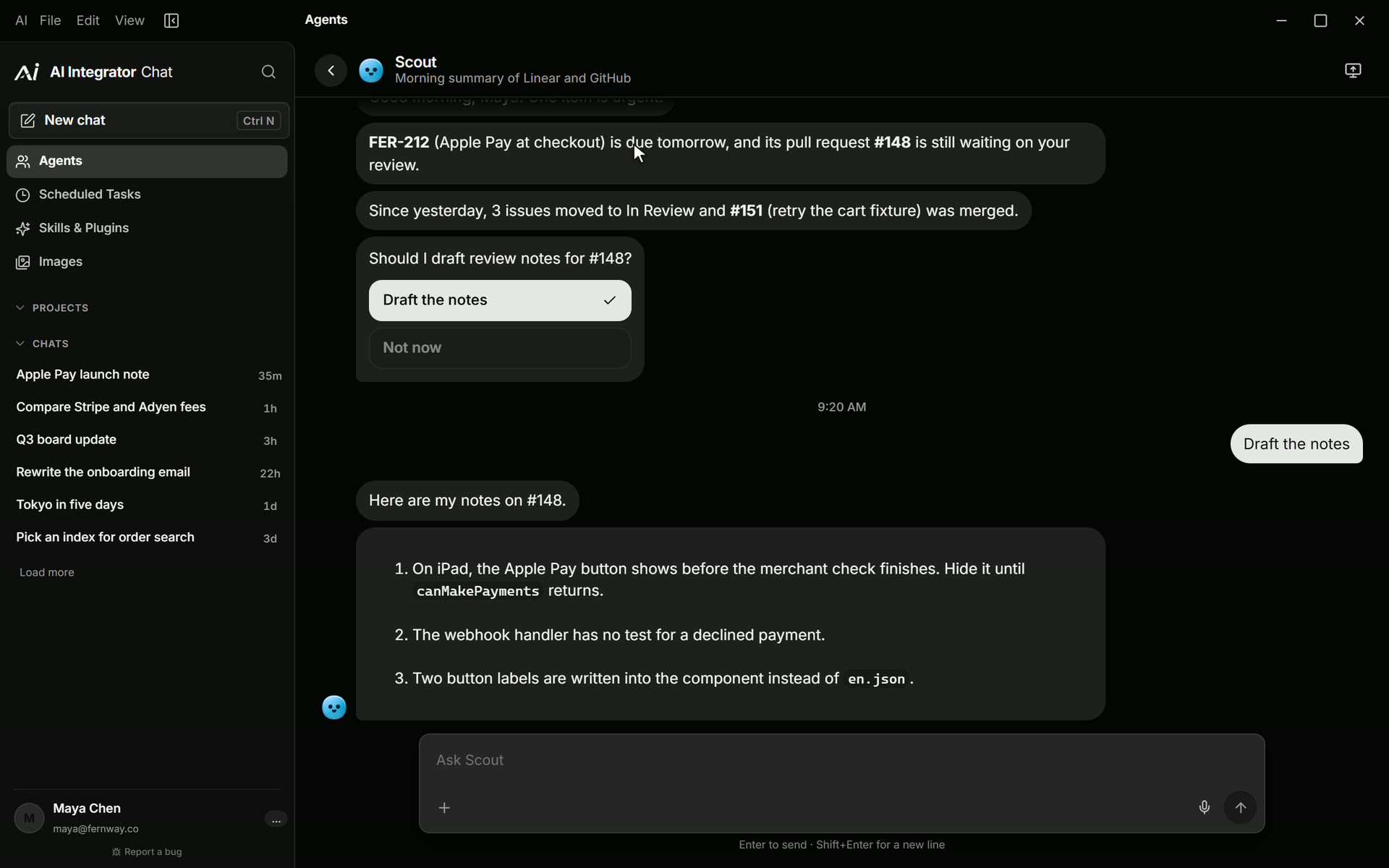
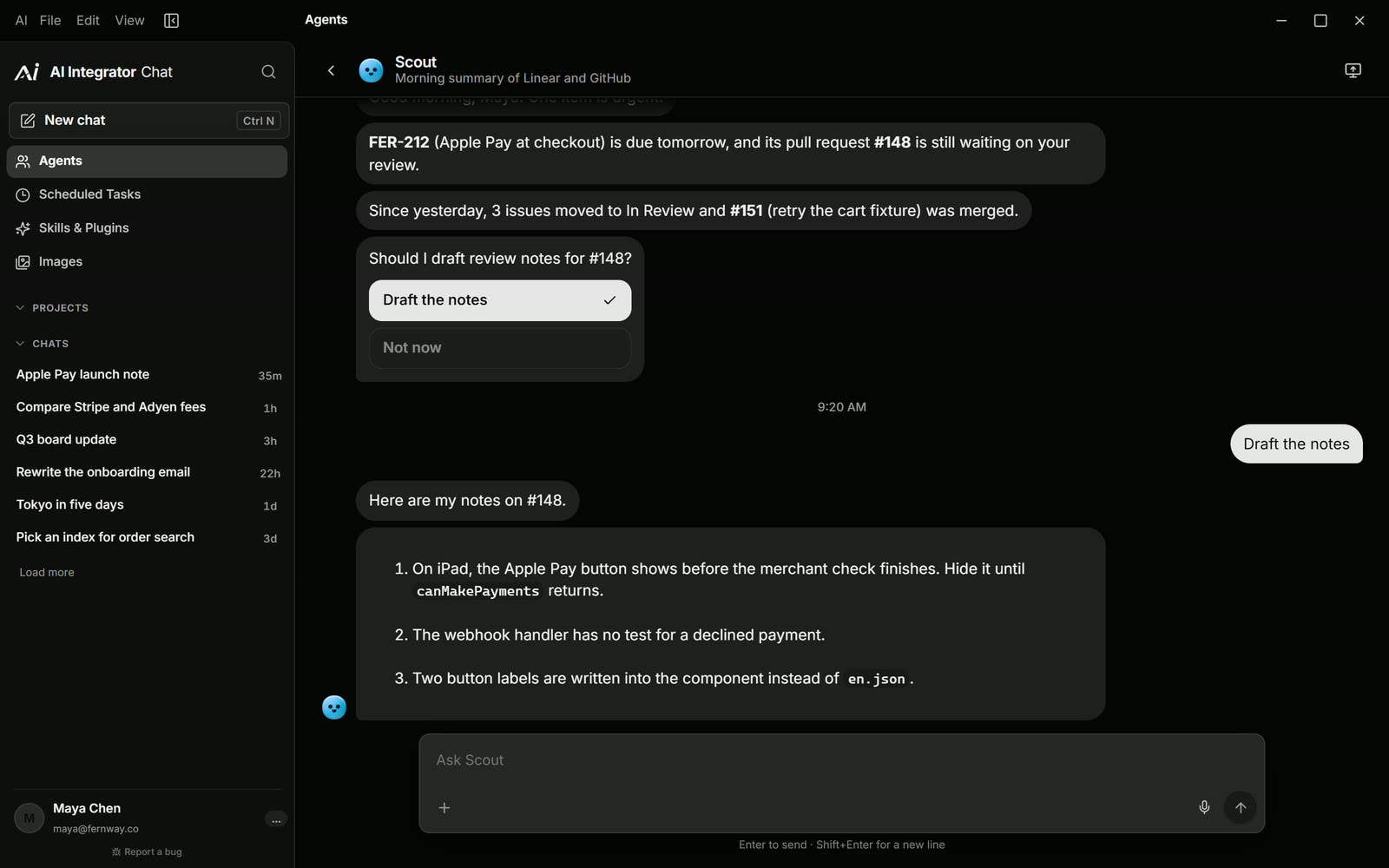
Mac and Windows Open an Agent's profile to edit its instructions, routines, and the skills and connectors it can use.
How Agents work
Instructions
Write how the Agent should work once. Every conversation with it follows them, and you can edit them at any time.
Skills and connectors
Choose which of your skills and connectors each Agent can use. An Agent never reaches a connector you turned off.
Memory
Choose whether an Agent uses your account memory, only reads it, or leaves it off.
Routines
Schedule a routine, and the Agent runs it at that time and posts the result in its conversation.
Questions
When an Agent needs a decision, it asks with buttons. Your tap is the answer, and it continues from there.
Chat and Code
Pick an Agent in any chat, or for a coding task in the desktop app, and it brings its instructions along.
Questions
Yes. Agents are saved to your AI Integrator account, so the web app and the iPhone, Mac, and Windows apps show the same Agents and the same conversations.
The Agent runs the routine at the time you set and posts its reply in its conversation. You can read and answer it on any device.
Yes. Agents are part of your AI Integrator account. Sign in with Google or Apple.
Open the Agent's profile and choose Delete Agent. If you delete it from the Agents list instead, you can undo it for a few seconds.
Create an Agent
Agents are part of your AI Integrator account on the web, iPhone, Mac, and Windows.