






Industries
AI Integrator for Law
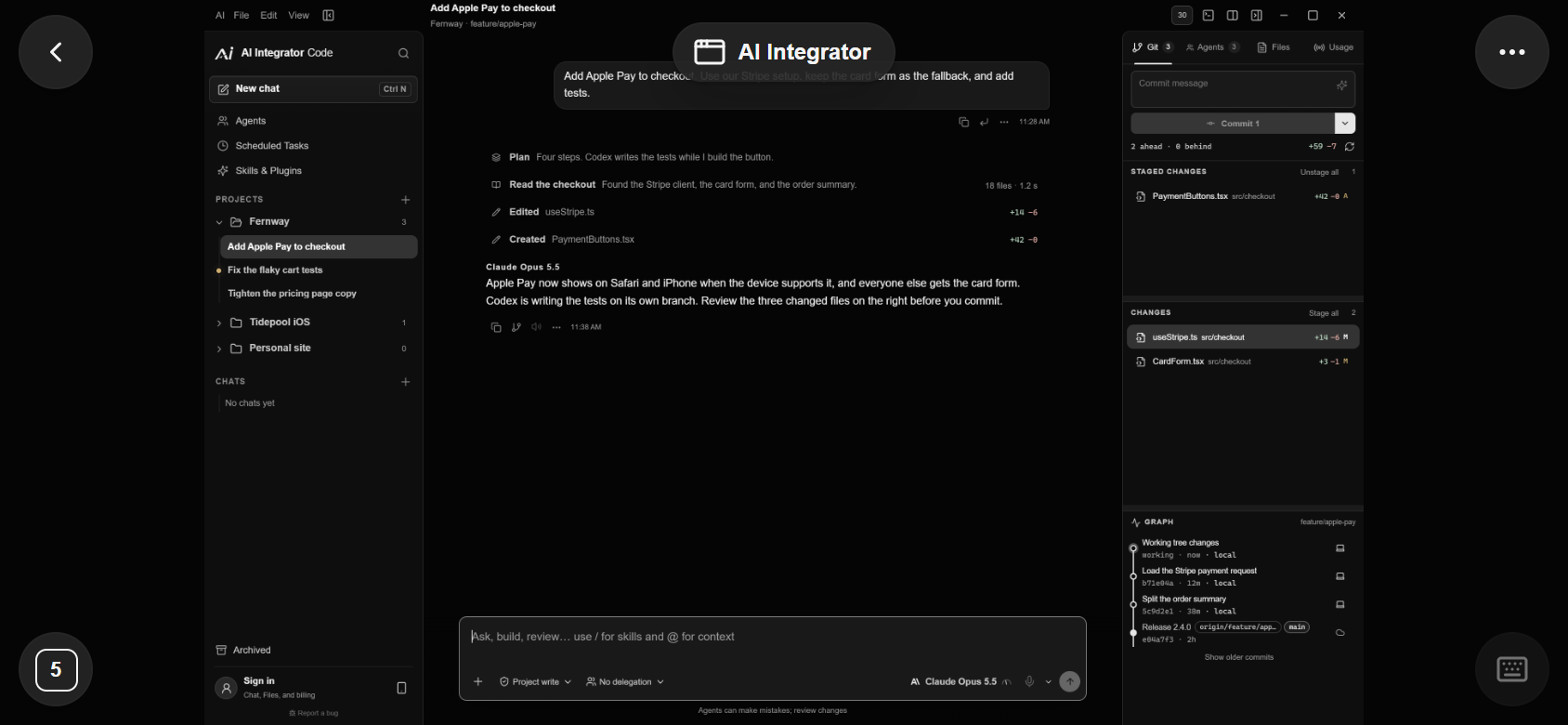
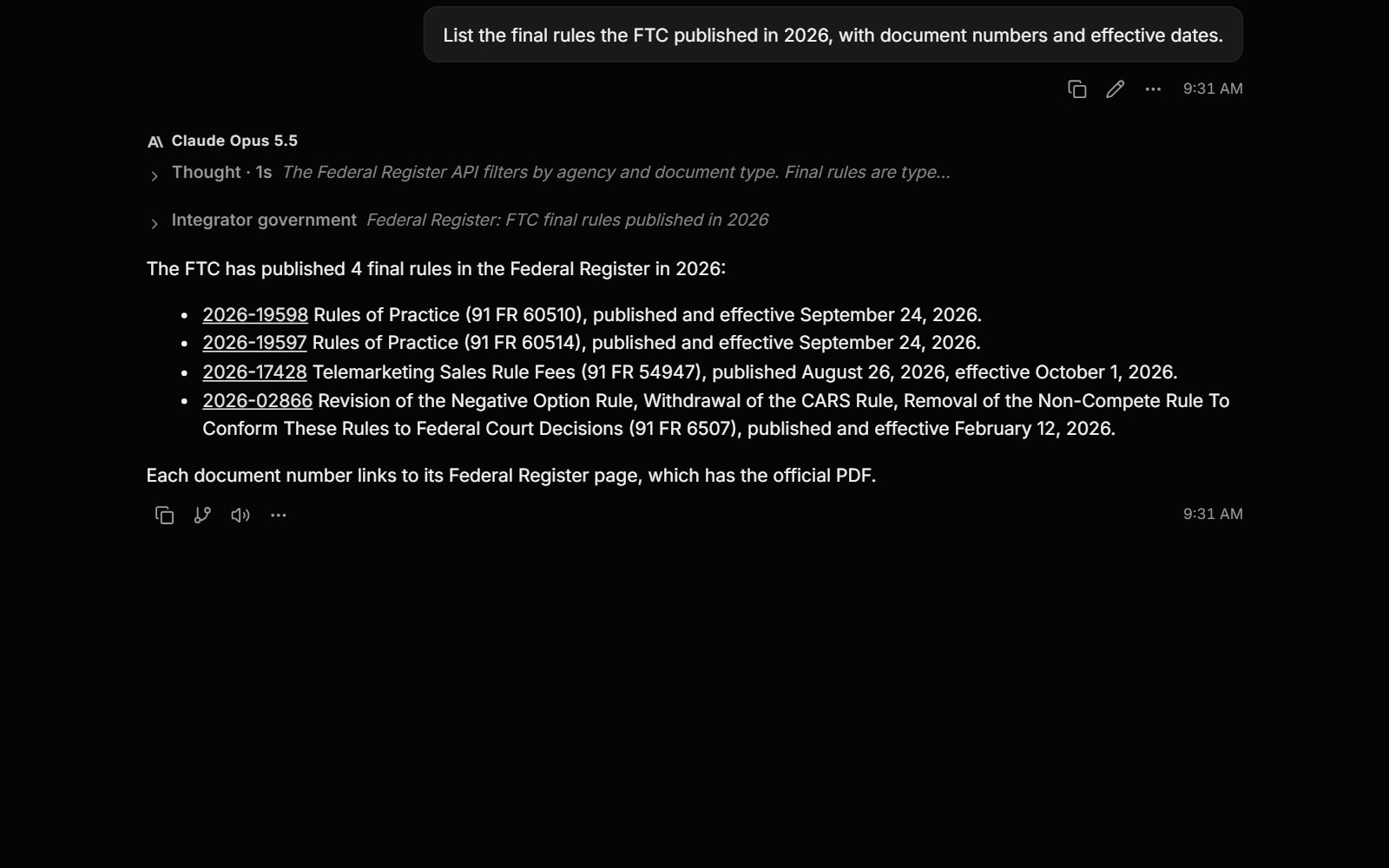
AI Integrator Chat looks up federal bills, regulations, and Federal Register documents, searches court opinions and PACER dockets through DingDuff, and keeps each matter in its own project.
Projects
Set up a matter
A project holds one matter's instructions, files, and memory, so every chat about the matter starts from the same facts.
Create a project for the matter
Add the jurisdiction, key dates, the issue, and your citation format to its instructions.
Add the files
Upload pleadings, contracts, and exhibits to the project, and ask about them from any of its chats.
Keep memory in the project
Facts saved in the project are not used in your other chats.
Ask for sources first
Ask for the rules or opinions before a conclusion, then read the originals.
Sources
Federal sources and connectors
The federal sources come with the AI Integrator Government plugin. Court records and e-signatures come through connectors that use your own accounts.
DingDuffCourt opinions, statutes, PACER dockets, and citation checks.Your DingDuff account
DocusignEnvelopes, templates, and signing status. Asks before sending or voiding.Your Docusign account
 Google DriveSearch and read files in your Drive.Your Google Drive account
NotionSearch and draft in your pages and databases.Your Notion account
Example prompts
Turn on AI Integrator Government in Skills & Plugins before you ask.
Limits
- Check every citation
- Read the original document and its status before you rely on a summary.
- No Westlaw or Lexis
- Case law comes only through DingDuff, with your own DingDuff account.
- Not legal advice
- AI Integrator is research software, not a law firm.
Questions
DingDuff can run citation checks once you connect your DingDuff account. Read the opinion before you rely on it.
Give each matter its own project. Its files, instructions, and project memory stay in that project, and you can delete any of them.
No. Zero data retention is on by default for text models. Connectors such as DingDuff and Docusign follow their own providers' terms.
Yes, with the Docusign connector. Chat can also read envelopes and signing status, and it asks before it sends or voids anything.