








Public beta
AI Integrator for iPhone
Chat with 101 models, follow your coding agents, and control your Mac or PC.
ControlUse any app on your computer
Use Chat on your iPhone, and control the apps on your Mac or PC by touch.
Film · 1:00
Watch the film
Remote Beta
Use any app or screen on your computer
Open an app or a whole screen on your Mac or PC and use it from your iPhone by touch, as a trackpad, or as a gamepad. The app keeps running on the computer.
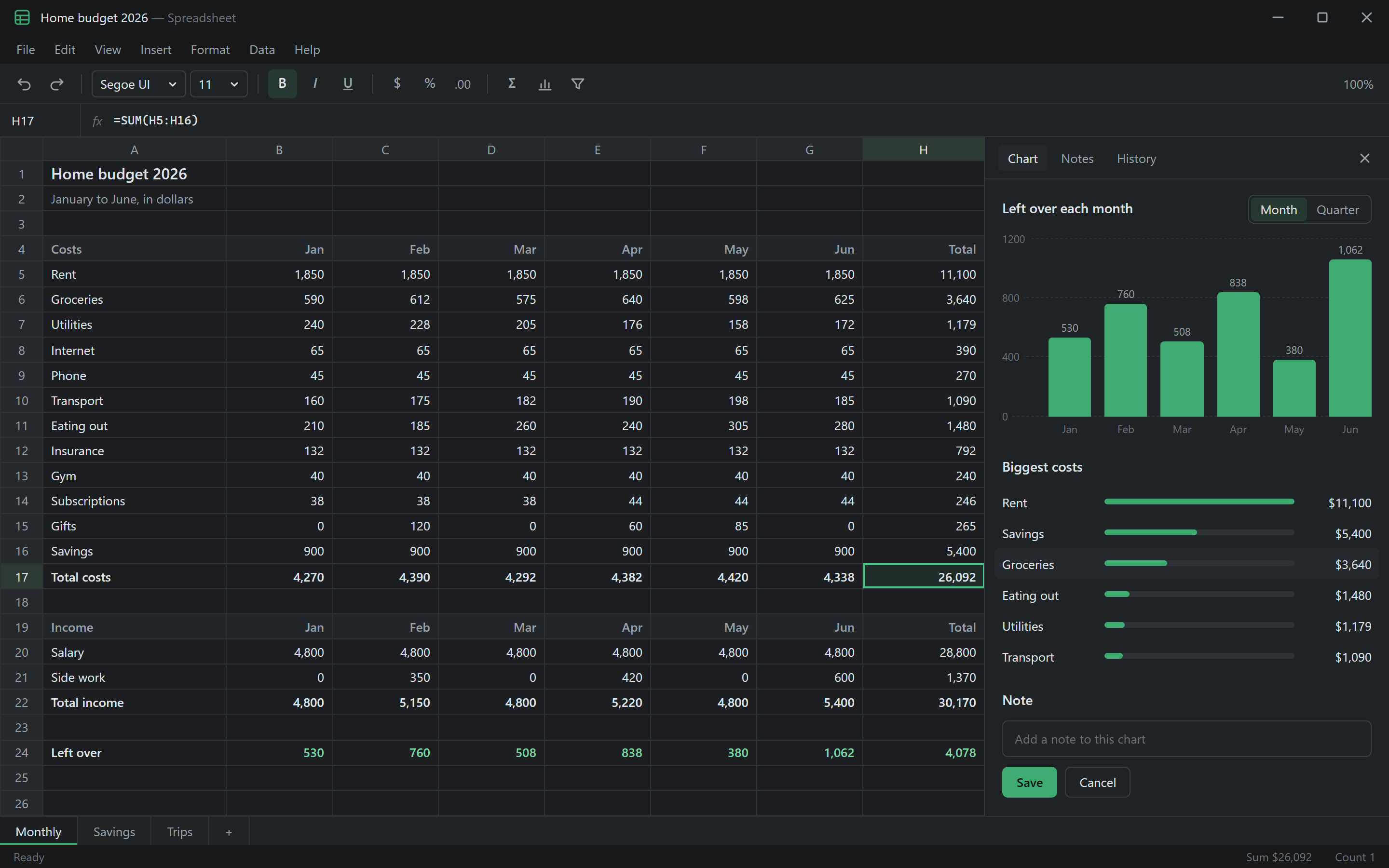
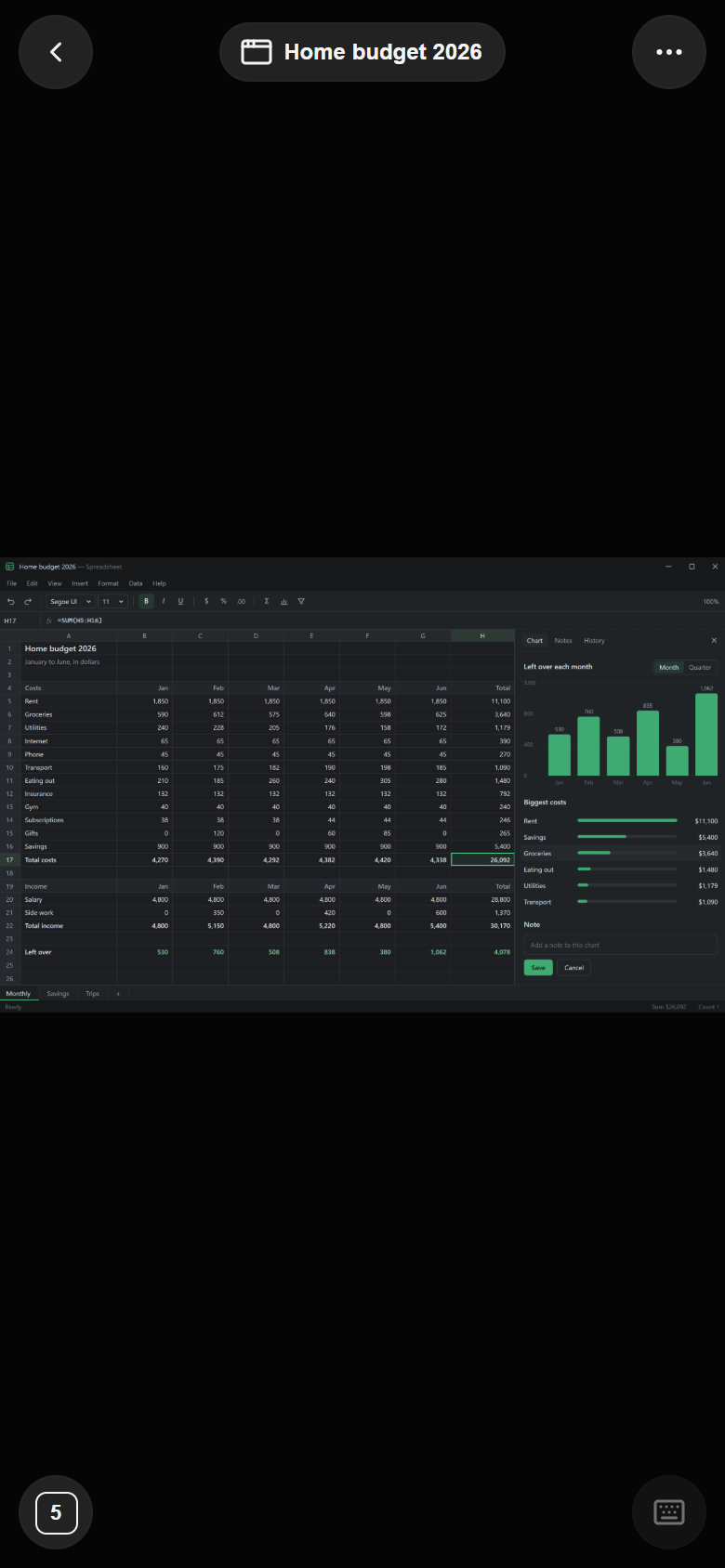
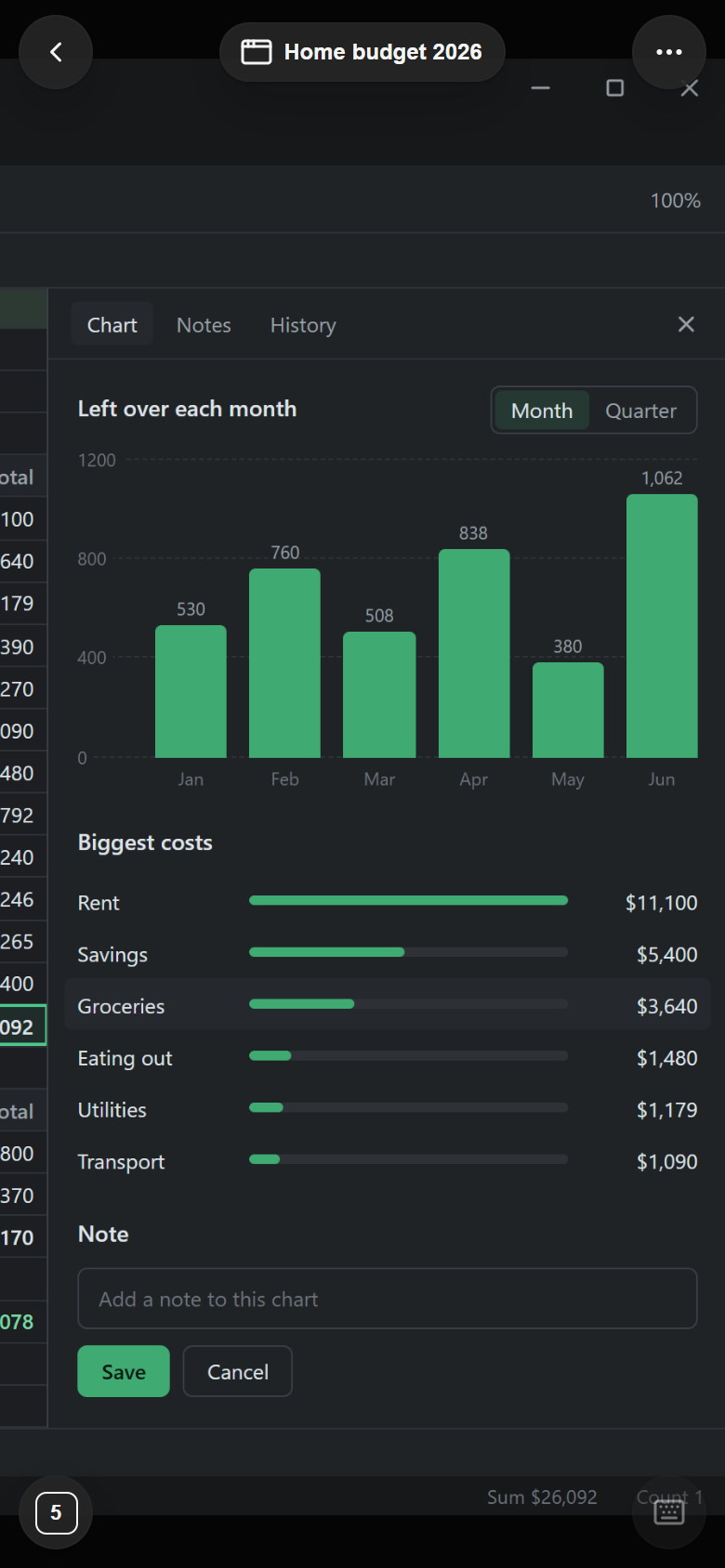
- Direct connectionYour devices connect to the computer over the same Wi-Fi, or through Tailscale or ZeroTier. A browser connects through Tailscale.
- You approve each deviceThe computer asks before a new device connects. Viewing and control of apps and screens stay off until you turn them on.
- Stop buttonWhile another device has a whole screen open, the computer shows a bar that names it, with a Stop button.
- Code on iPhoneSee every Code chat on each paired computer, start new ones, approve steps, and queue the next message.
Coming soon
A voice agent for your computer
We are building a voice agent you can talk to in real time. It will carry out tasks on your computer while you follow along on your iPhone.
“Open last month's budget and add the new totals.”
Landscape
See the whole window in landscape
Turn your iPhone sideways to fit the whole computer window on the screen. Pinch to zoom in, and type with the iPhone keyboard.

Gamepad
Play the games on your computer
Choose Gamepad for a W, A, S, D stick, Fire, Aim, Jump, and number keys. Move any control with Edit layout, and set each button to hold or toggle.
Remote Access: GamepadPair
Pair your iPhone once
In the desktop app, open Settings → Remote Access and choose Add a device. Scan the QR code with your iPhone or type the six-character code, then choose Allow on the computer. After that, AI Integrator for iPhone connects to the computer over the same Wi-Fi, or from other networks through Tailscale or ZeroTier.
Remote Access is part of the desktop app. It is off until you turn it on, and each device needs your approval.
- Chats
- Files
- Git
- Approvals
- Browser
- Your apps
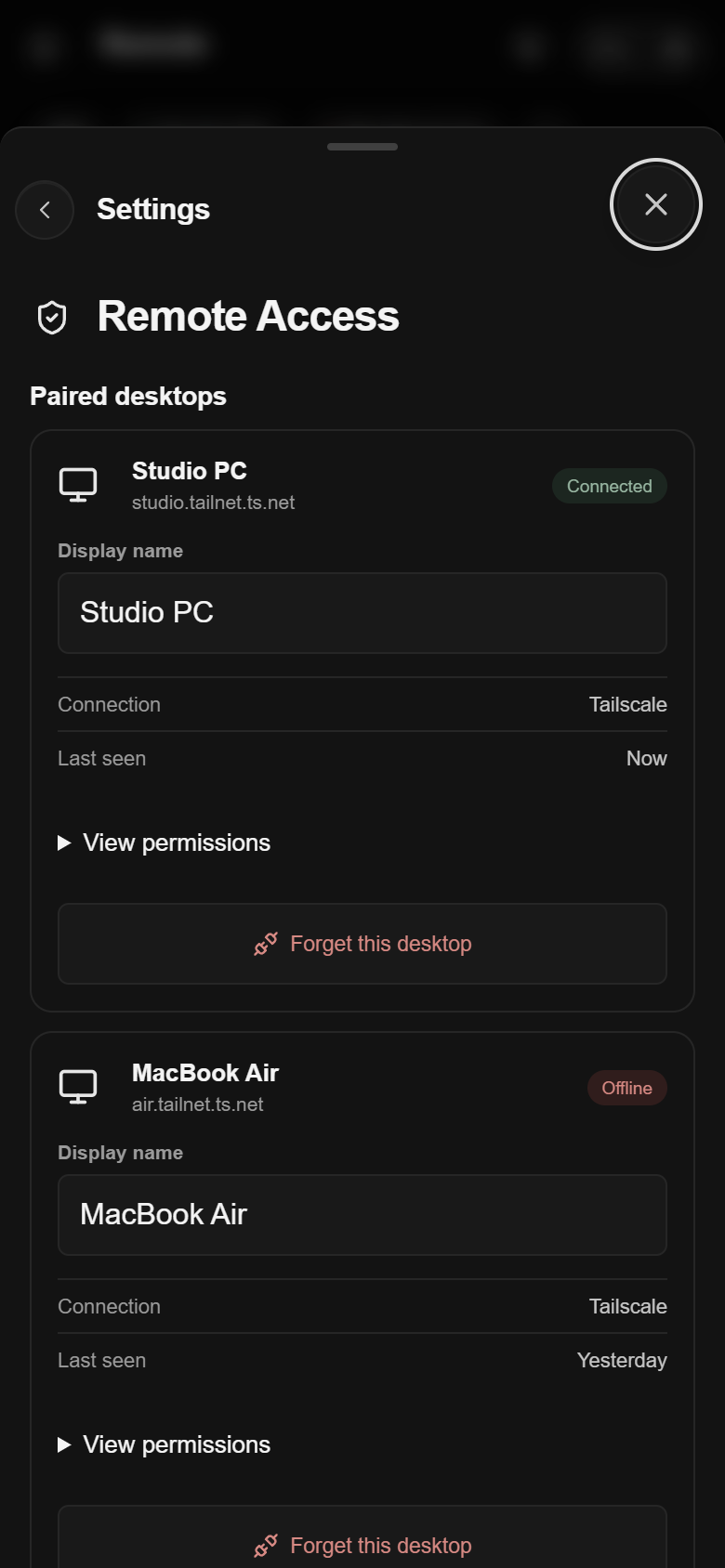
Paired computers
See each paired computer, when it was last online, and what it allows. Remove a computer from your iPhone or from the computer itself.
Scan
Scan or type the code on your computer
The desktop app shows a QR code and a six-character code that changes every 30 seconds. Scan it or type it on your iPhone, then choose Allow on the computer.
Get the desktop app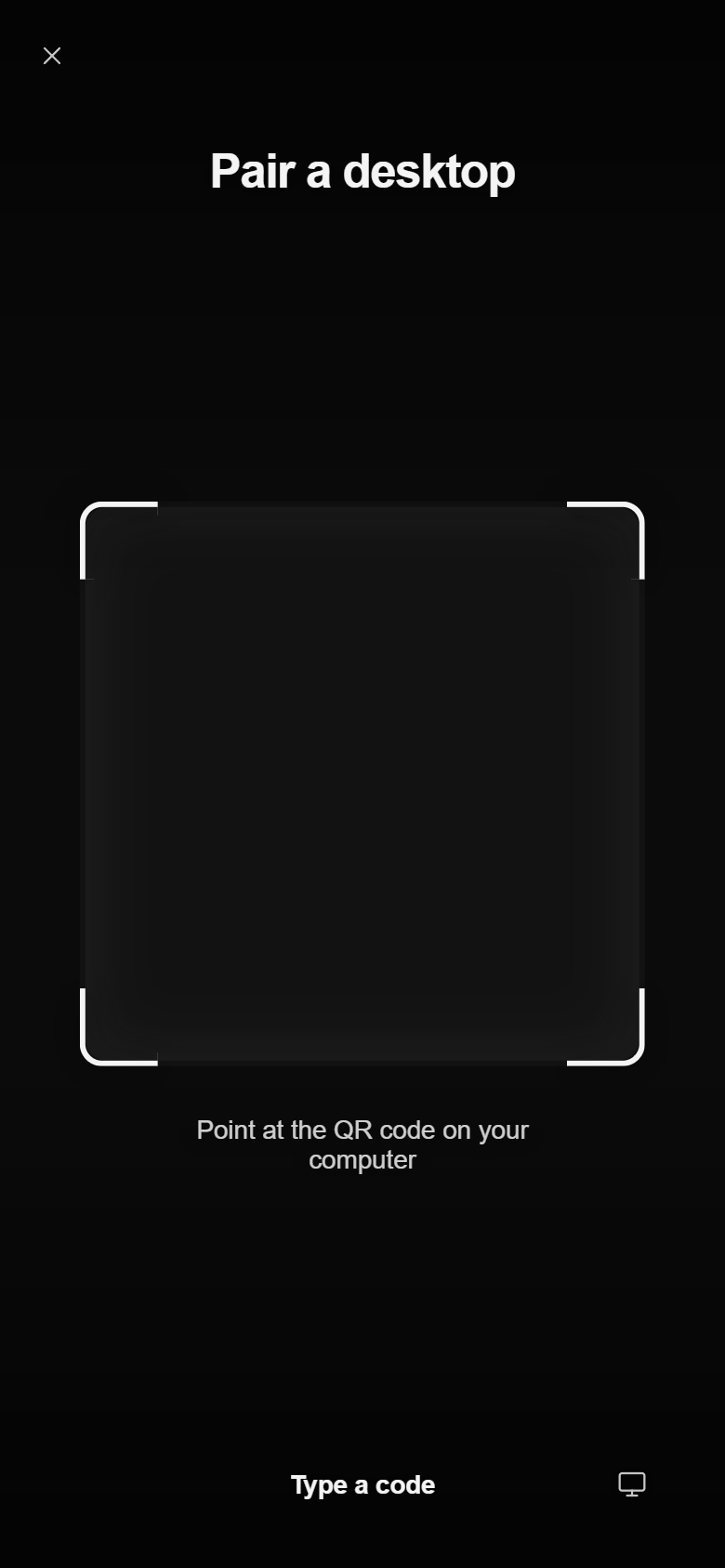
Themes
The same 28 themes as the desktop app
Voice
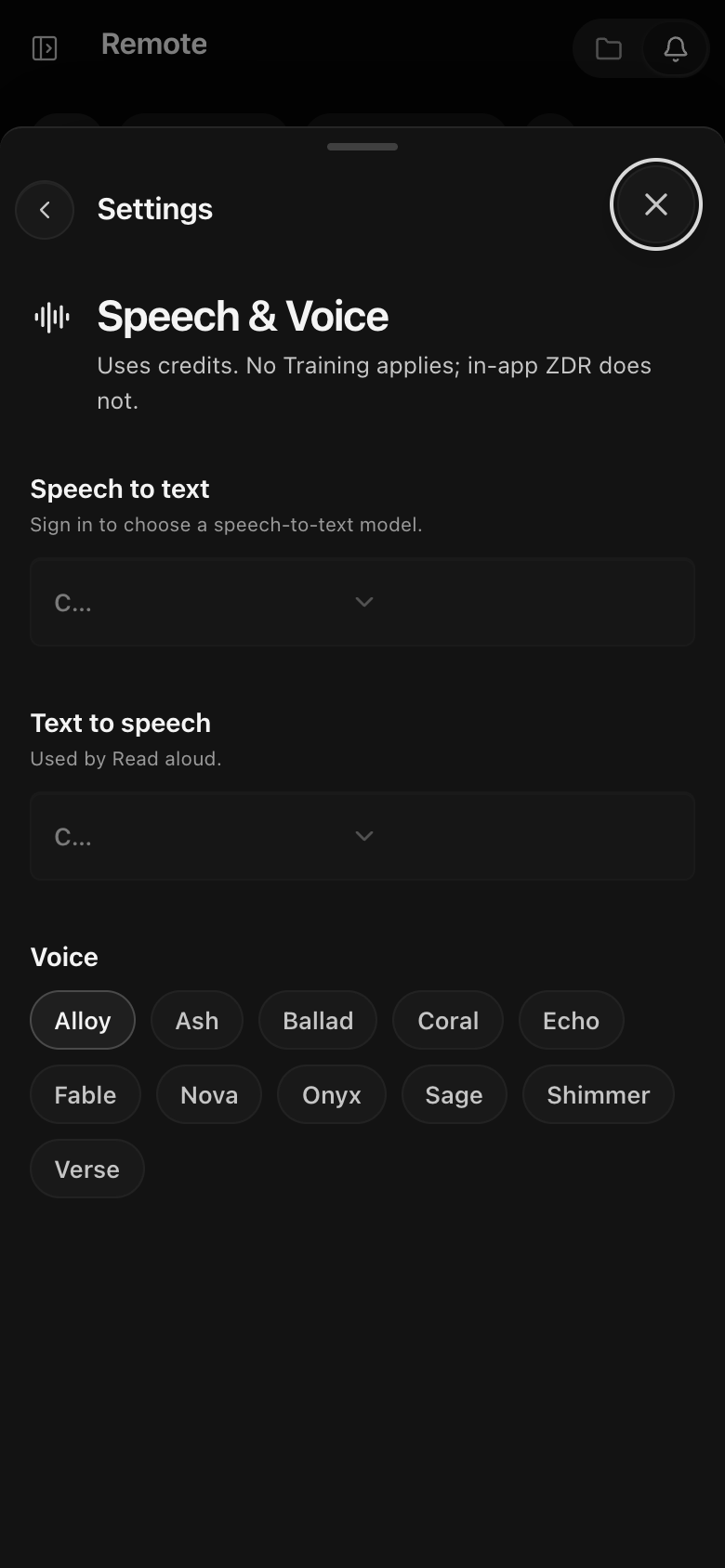
Dictation and read-aloud
Dictate messages, have replies read aloud, and choose one voice for all your devices.
Files
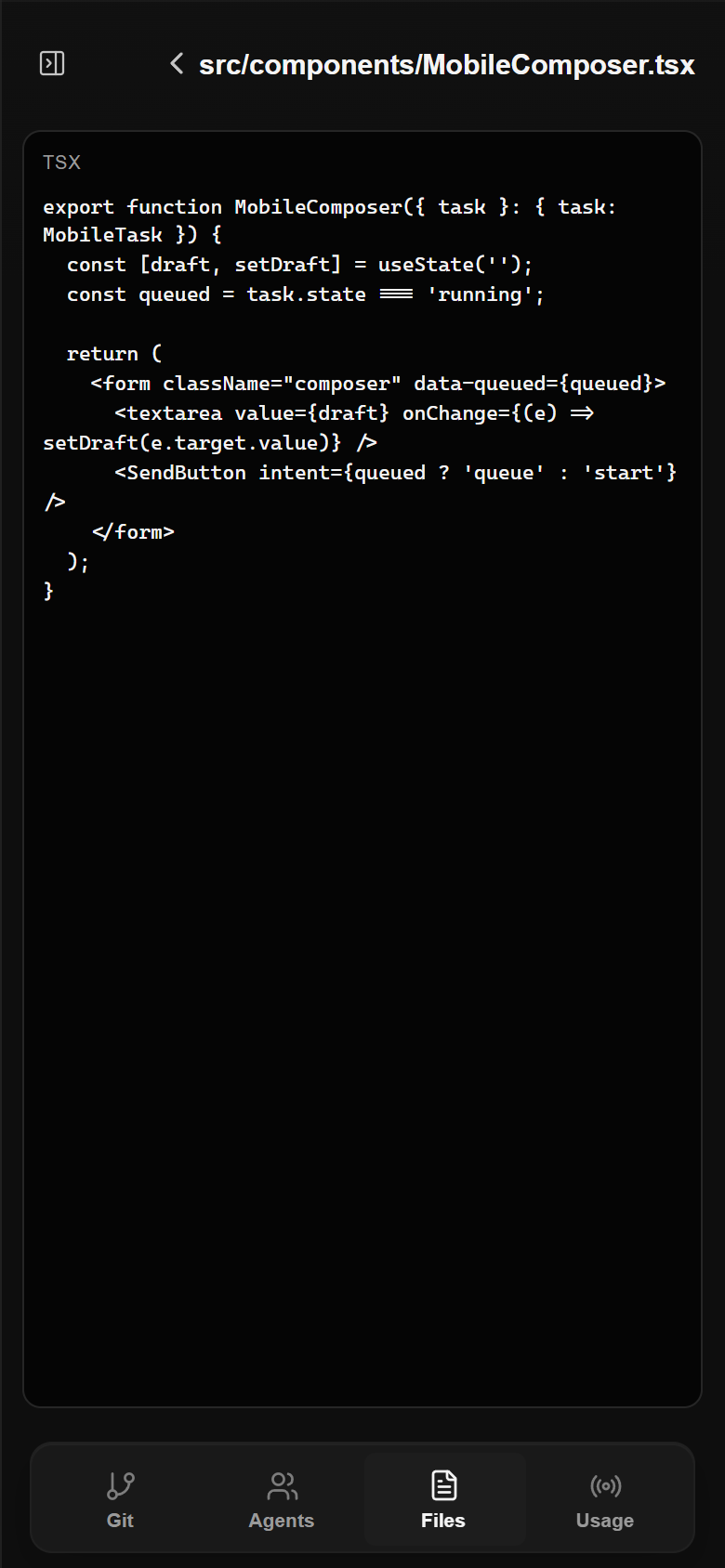
Browse project files
Open any file in a project on your computer and read it on your iPhone. The files stay on the computer.
Review
Review changes before they are committed
Read every changed file line by line. Commit and Push are only in the desktop app.
AI Integrator Code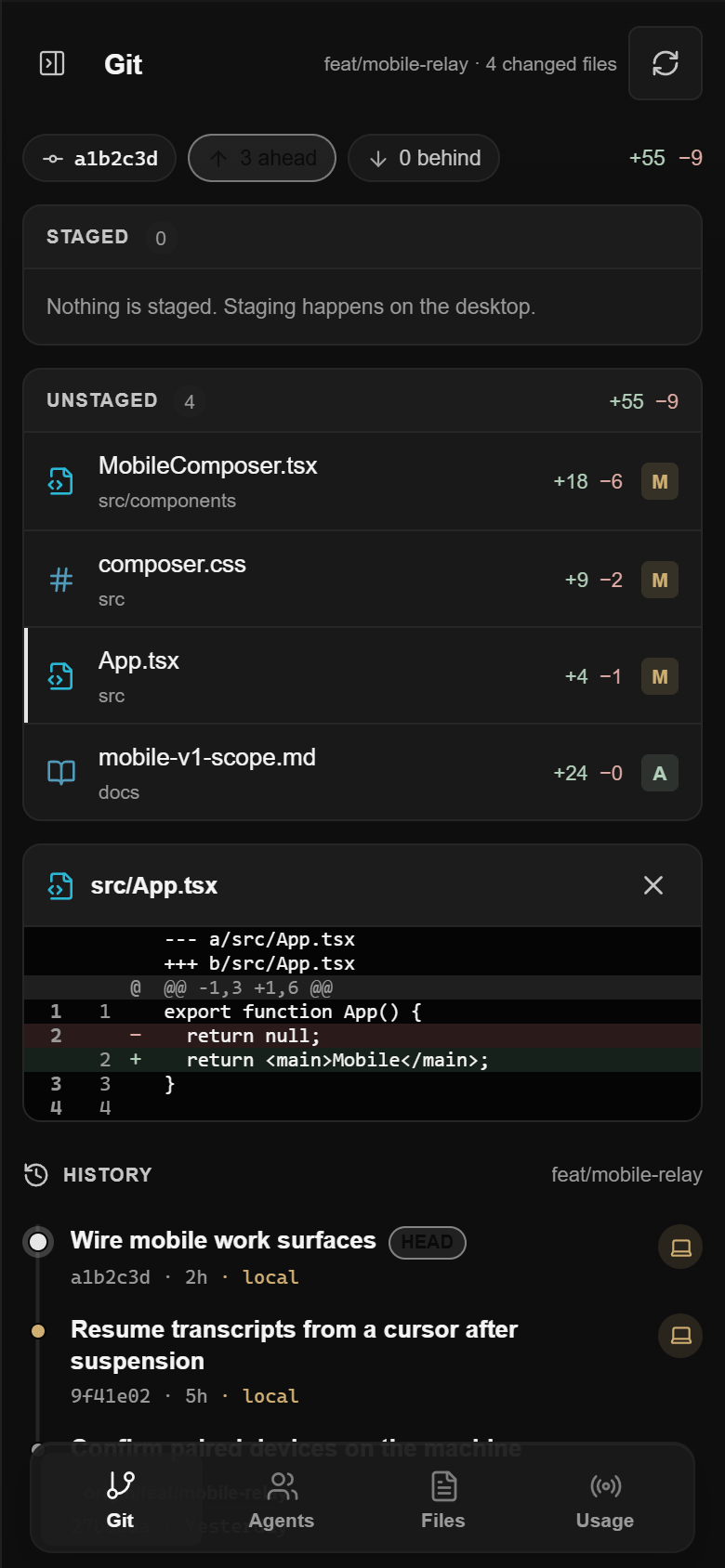
Agents
Follow your coding agents
See every Code chat on each paired computer, with the ones waiting for you listed first. Queue the next message while the current one runs.
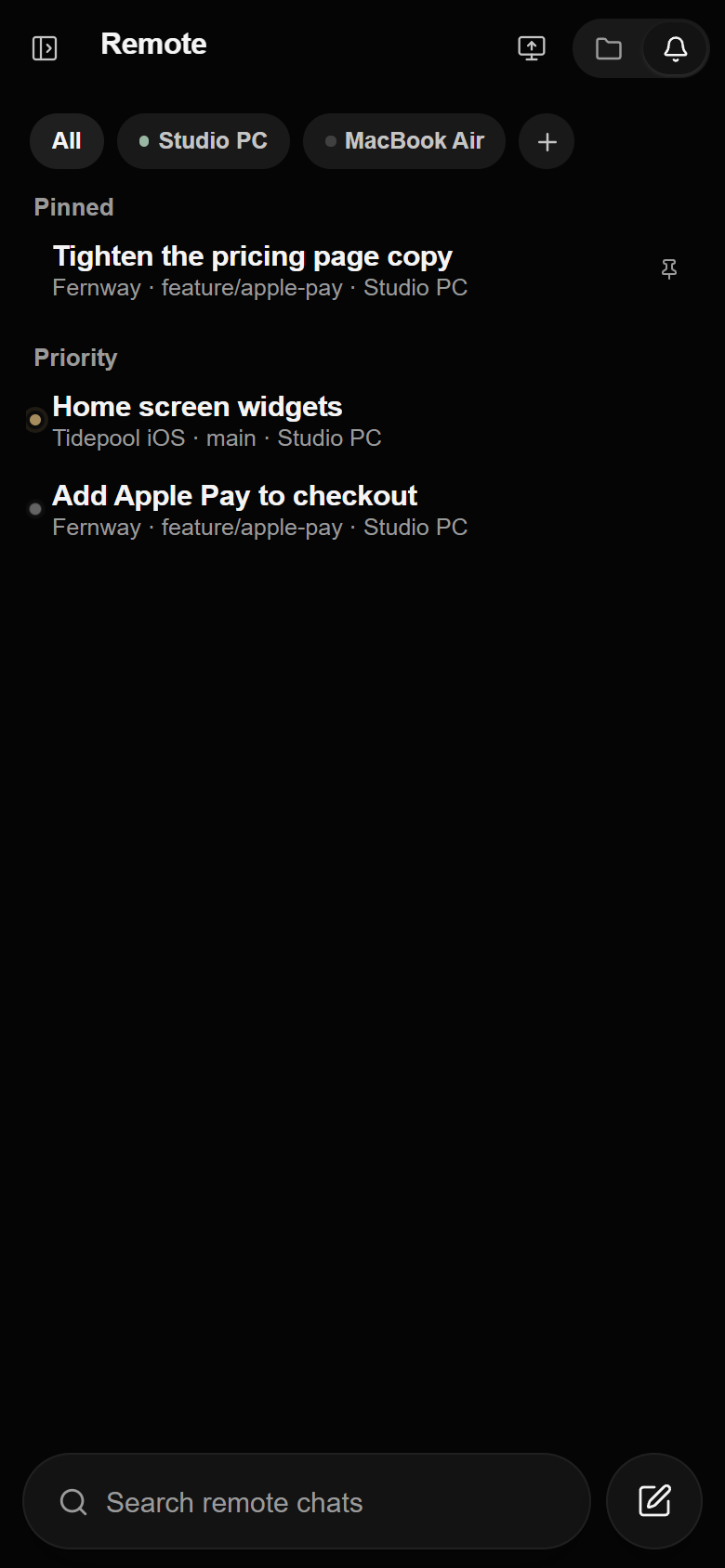
Follow a coding agent's run on your computer and approve its next step from your iPhone.
Get started
Set up Remote
- 01
Join the beta
Install TestFlight from the App Store, then open the AI Integrator invite.
- 02
Sign in
Sign in with the Google or Apple account you use on the web. Your chats and Agents are already there.
- 03
Pair your computer
In the desktop app, open Settings → Remote Access and choose Add a device, then scan the code with your iPhone.
Questions
Not for Chat. To use Remote or follow Code, install the desktop app on your Mac or PC and pair your iPhone.
Yes, when your iPhone and computer are on the same Tailscale or ZeroTier network. At home, the same Wi-Fi is enough.
Only a device you allowed on the computer, signed in to your account. Control of apps and screens is off until you turn it on.
Yes. Turn on Screen Recording and Accessibility for AI Integrator in Settings → Remote Access → This Mac.
Remote doesn't share the clipboard or accept files dragged into an app yet, and it can't control apps running as administrator.
Get the iPhone app
AI Integrator for iPhone is a free public beta on TestFlight.