








Remote Access · Gamepad
Play your PC games from your phone
Gamepad turns AI Integrator for iPhone into a controller for the game on your PC. Test a build from the couch, or play over Tailscale when you're away.
Layout
A stick, a look pad, and the buttons games use
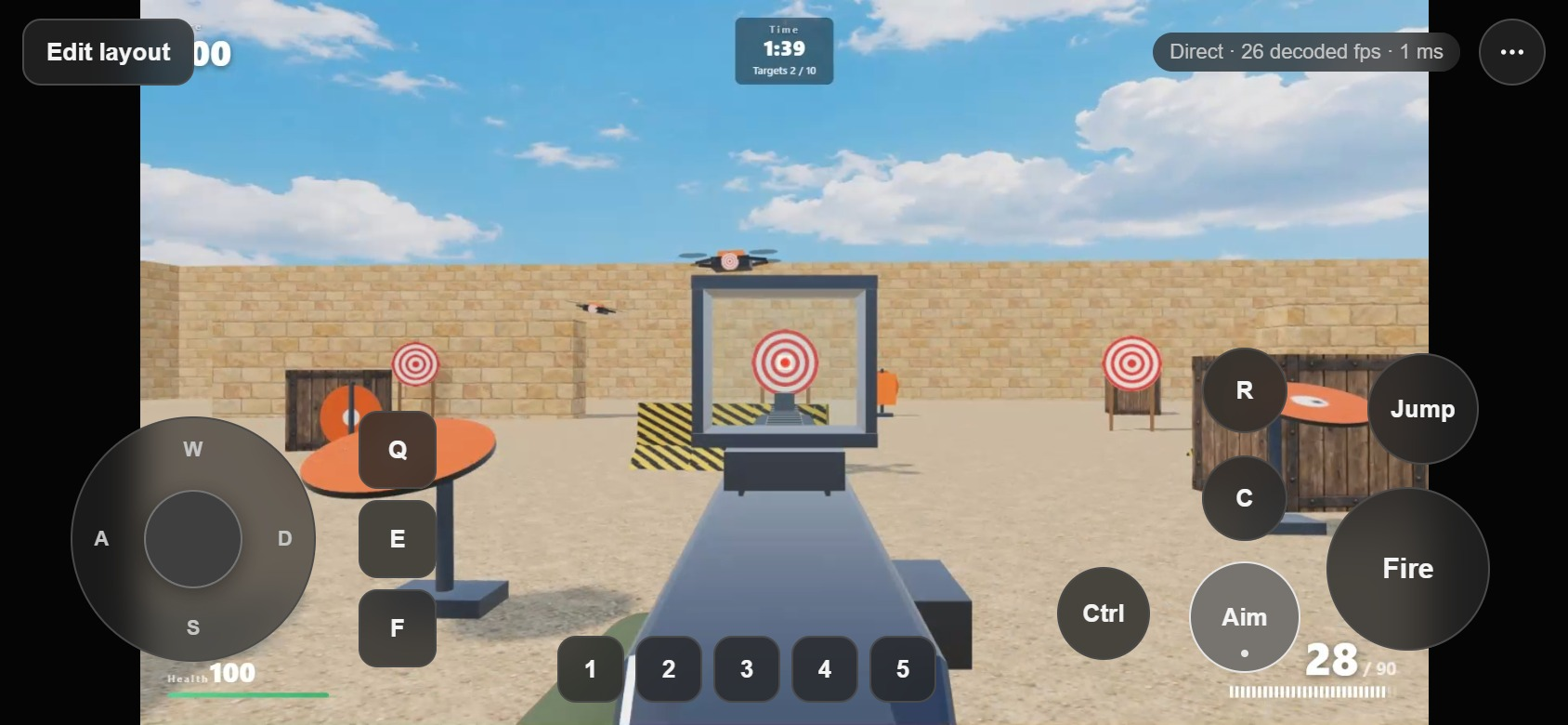
The left stick presses W, A, S, and D, and pushing it to the edge adds Shift. Drag anywhere else to look. Fire, Aim, Jump, Ctrl, C, R, Q, E, F, and 1 to 5 sit where your thumbs are.
Feel
Controls that suit games
- Hold or toggle
- Set Aim, Crouch, or any button to hold while pressed, or to stay on until you press it again.
- Haptics
- Each press gives a short tap, and Fire gives a stronger one.
- Full screen
- Put the game in full screen on the PC and the phone shows the game edge to edge, with the controls on top.
- Edit layout
- Drag any control where your thumbs want it. Each device and orientation keeps its own layout.
Set up
Play away from home over Tailscale
Tailscale gives your phone and PC a private, direct connection from anywhere.
Publish your PC on Tailscale
In the desktop app, open Settings → Remote Access and choose Publish on Tailscale.
Pair your iPhone
Choose Add a device on the PC, then scan the QR code in AI Integrator for iPhone and choose Allow.
Allow screens
Turn on View screens and Control screens for the phone, or View apps and Control apps for a single game window.
Open the game
In Remote, open your PC's screen, choose ··· → Pointer → Gamepad, and play.
Questions
Games that take keyboard and mouse. The stick presses W, A, S, and D, looking moves the mouse, and the buttons press keys and mouse buttons.
No. Your PC sees an ordinary keyboard and mouse, so there is no driver to install.
Yes, over Tailscale or ZeroTier. Your phone and PC connect directly, so the picture doesn't travel through anyone else's server.
Yes. Edit layout lets you drag any control and set each button to hold or toggle. The layout is saved for each device and orientation.
Remote Access
Other ways in
 iPhone to PCUse your computer by touch and follow every Code chat on it.
 PC to PCUse your desktop's screen and Code chats from your laptop.
 Browser to PCOpen your computer from any browser on your tailnet.
 Mac to WindowsUse your Windows PC on a Mac, including its games.
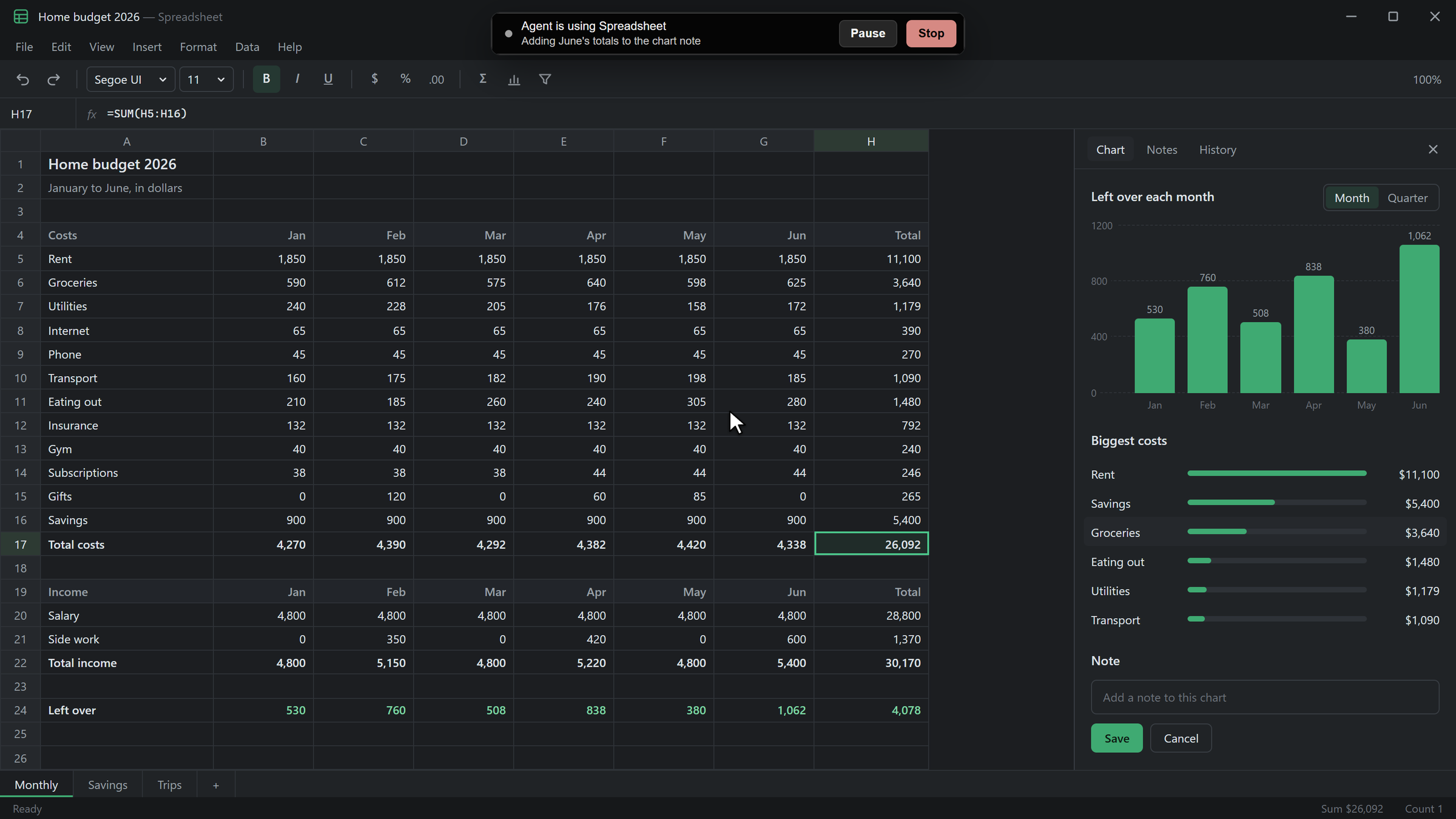 Agents on your PCLet agents use the apps on your PC after you allow each one.