








Remote Access · Agents on your PC
Let your agents use your PC
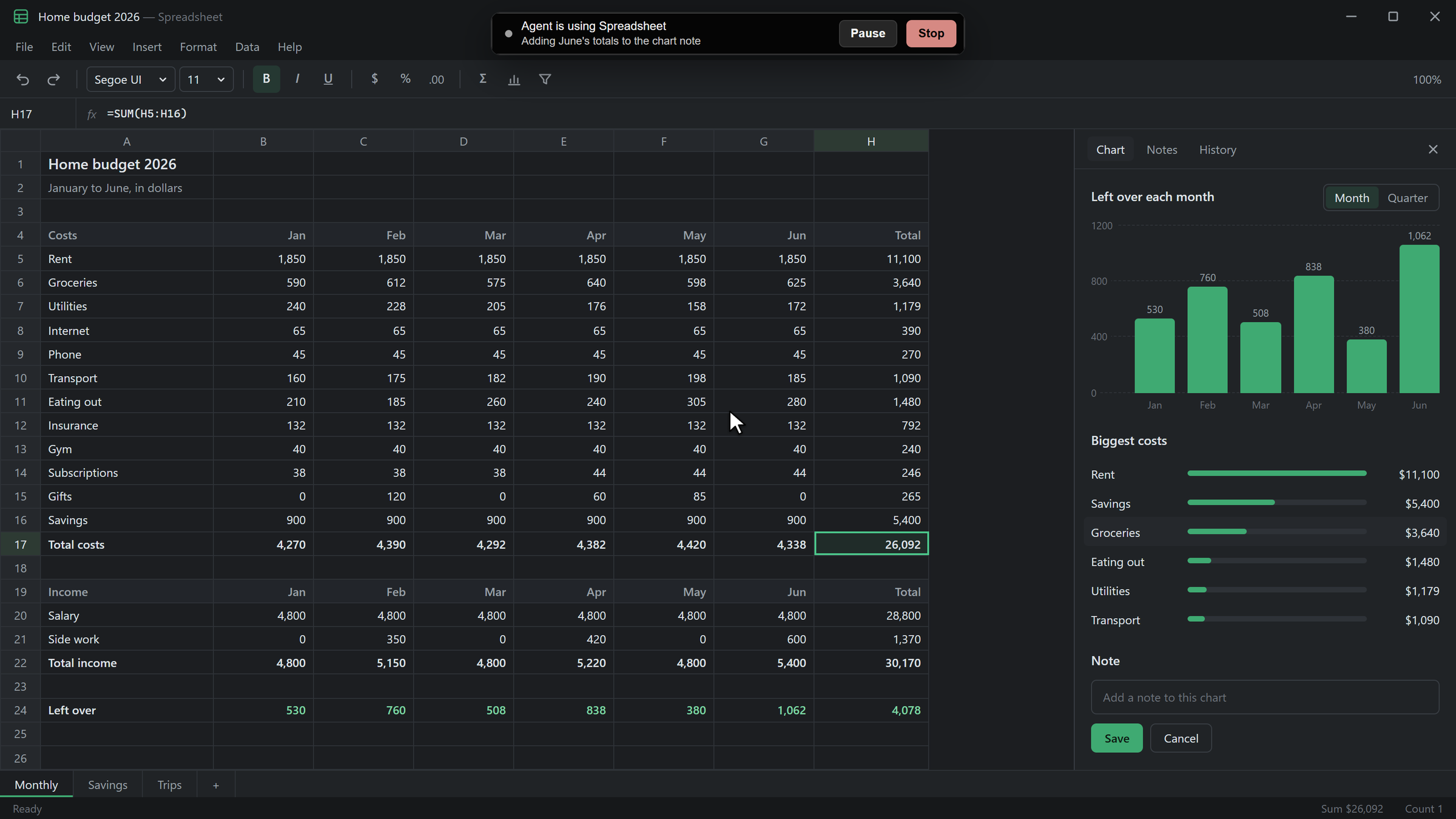
Code tasks can see and use the apps on your computer, one app at a time, once you allow it. A sign on screen shows what they are doing, with Pause and Stop.
Computer Use
Code tasks that use your apps
Turn on Computer Use in Skills & Plugins and every coding agent in Code can see and use apps on your computer.
- One app at a time
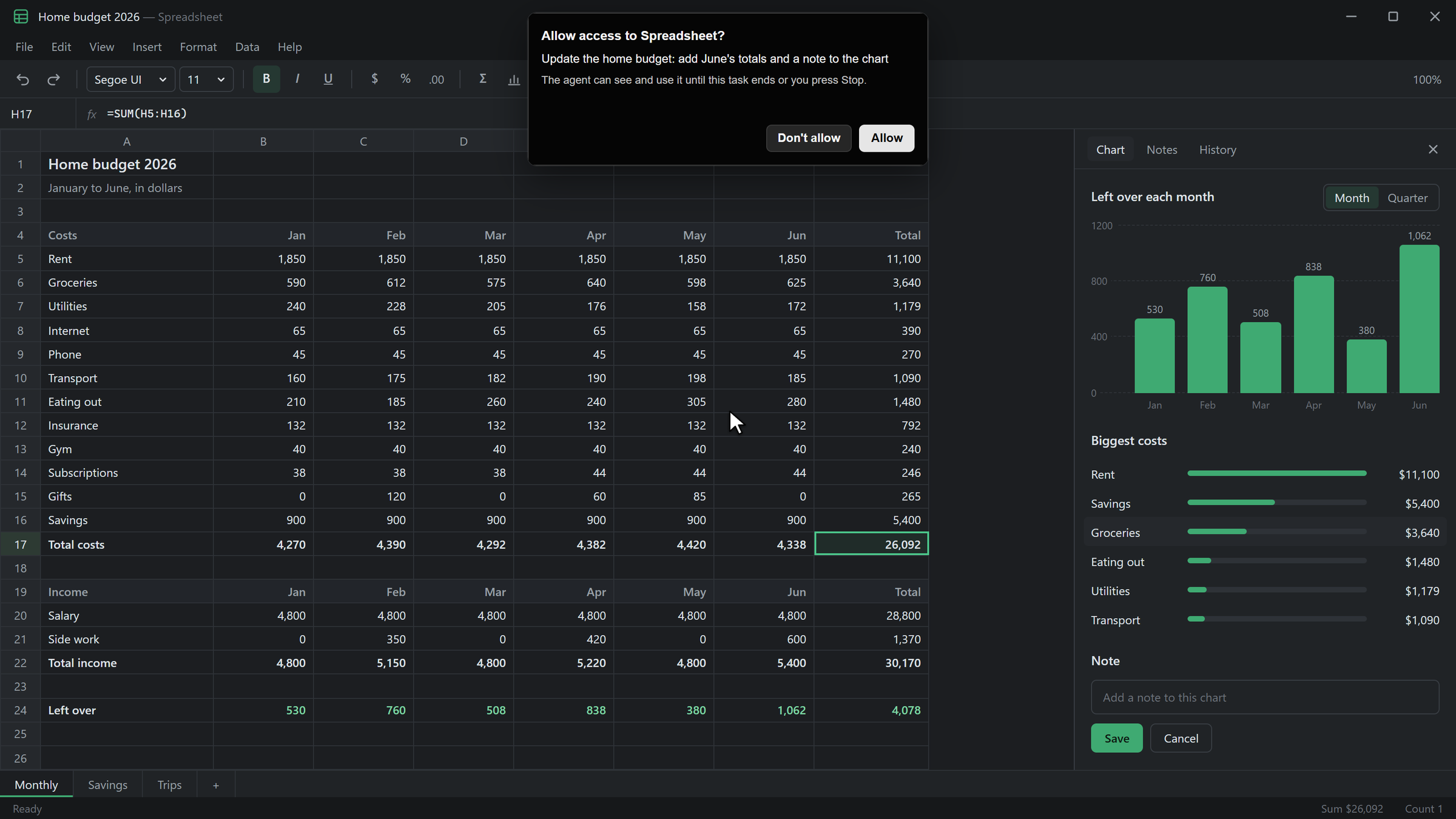
- The agent asks for an app by name, and you choose Allow or Don't allow. The answer lasts until the task ends or you press Stop.
- A sign on screen
- While it works, a sign shows which app it is using, with Pause, Resume, and Stop.
- You come first
- Touch the mouse or keyboard and the agent pauses. It waits until you press Resume.
Before it starts
You allow each app
The agent names the app and the task. It can't use the app until you choose Allow.
Agents
Agents that work on your computer
Turn on Let Agents use this computer in Remote Access, and an Agent can start a job on that computer from its Home chat.
- In its own browser
- The Agent works in its own browser profile with its saved logins, at any time.
- On your screen
- Screen jobs run only while you're away from the mouse and keyboard, and only one runs per computer.
- It asks first
- The Agent stops for you before anything that sends, buys, deletes, publishes, or signs in, and at codes and CAPTCHAs.
Limits
What agents never do
- Passwords
- Never read or typed.
- Off-limits apps
- AI Integrator itself, password managers, and security apps.
- View only
- Browsers, terminals, and system settings, unless the agent uses its own browser.
- Blocked keys
- The Windows key, Alt+Tab, Command+Tab, Command+Space, Ctrl+Alt+Del, and log out.
Questions
No. Computer Use is off until you turn it on in Skills & Plugins, and you allow each app the first time an agent asks for it.
The agent pauses and the sign says you took over. It waits until you press Resume.
No. It never reads or types passwords, and it never touches AI Integrator itself or password and security apps.
Remote Access
Other ways in
 GamepadPlay your PC's games from your phone with a touch stick and buttons.
 iPhone to PCUse your computer by touch and follow every Code chat on it.
 PC to PCUse your desktop's screen and Code chats from your laptop.
 Browser to PCOpen your computer from any browser on your tailnet.
 Mac to WindowsUse your Windows PC on a Mac, including its games.